Flashlight Cleanstar
Digitising a motorcycle wash's whole workflow, including a self-service tablet in the waiting room that is not given access to set prices.
- Client
- Flashlight Cleanstar — motorcycle wash & detailing, Malang
- Industry
- Automotive services
- Our role
- Product definition, system design, and development — with the team
- Duration
- About 5 months (February – July 2026)
- Year
- 2026
Scope at a glance
4
connected apps: kiosk, POS, public site, server
5
screens with distinct jobs, from customer tablet to queue TV
2
branches
0
prices the customer's device is allowed to send
The problem
Nothing was digitised. Transactions, bookkeeping, and order records were all handled by hand, across two branches.
The queue and order log did not have a consistent format. Customers were still informed of their turn by calling out directly.
Helmet, shoe, and apparel cleaning takes days, and customers do not wait on site. Without a trackable record, dropped-off items easily lose their trail — and customers could only phone in to ask whether their things were ready.
The cash drawer often failed to reconcile at closing, with no record to trace the difference against.
The owner did not yet have a view of net profit by service. Without recorded cost prices, revenue alone was not enough to understand margin.
Constraints
- A tablet with no login stands in a public room. Anyone can touch it, including someone intending to change a price.
- The shop cannot stop serving customers just because the internet drops.
- The receipt printer the shop already owned uses a type of connection that browsers cannot use directly, so it had to be connected over a USB cable.
- No online payment (payment gateway). Cash and card terminal only, recorded manually by the cashier.
Approach
Prices are set by the server, not by the customer's tablet
When the tablet sends an order, it carries only the customer's choices: who the customer is, the vehicle, the service, and any add-ons — with no price field. The server determines every amount. This split reduces the risk of prices being changed through the kiosk in a public room, because the kiosk never sends a price.
Queue numbers are issued by the database, not the application
If a number is made by looking up the highest one and adding one, duplicates can appear when the kiosk and POS save an order at the same time. Numbering was therefore handed to the database as a single indivisible step, with a rule that no number may repeat on the same date.
Every amount is stored as a whole rupiah
Amounts are stored as whole rupiah values, and the database rejects negatives. This helps prevent rounding errors. When a discount is divided across a combined payment, any leftover rupiah from rounding is handed out one by one to the parts with the largest fractions (the largest-remainder method), so the parts always add up exactly to the total.
Cost price is copied and locked onto every transaction
A service's cost price is copied onto the transaction at the moment it is created, rather than read back from the catalogue when a report is opened. Otherwise changing a catalogue price today would silently rewrite last month's profit report. Category names and overnight fees are copied the same way.
The kiosk has to work without internet
The tablet keeps the catalogue on the device and holds unsent orders in a waiting list on the tablet itself. Once the internet returns, the orders are resent automatically; while offline, the screen shows an indicator that the kiosk is disconnected.
Customers check for themselves via a QR code on the receipt
The receipt carries a QR code to a tracking page that needs no login. Customers can check the status of dropped-off items without always phoning the shop, which may reduce status enquiries handled by staff.
Screens
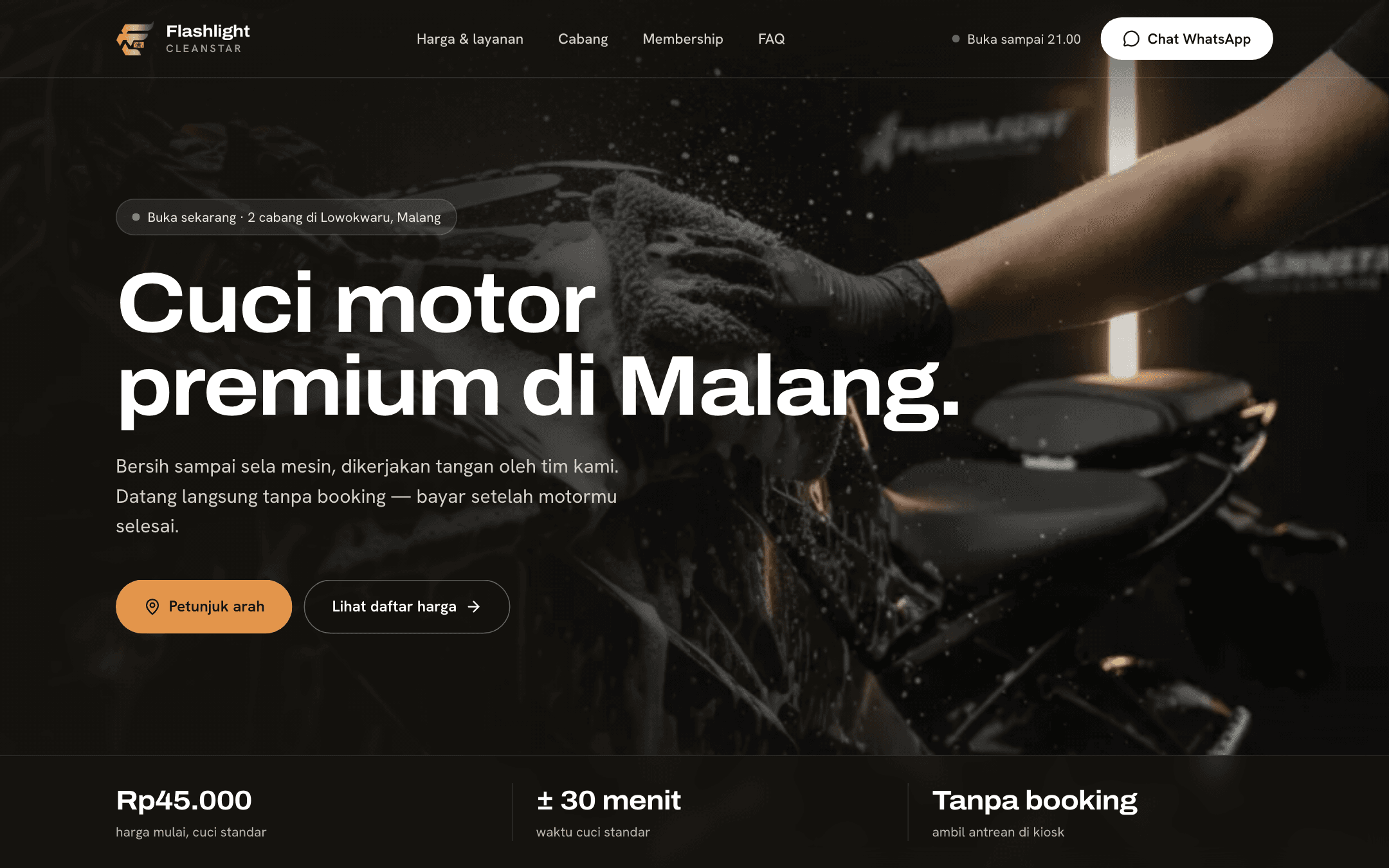
Landing page
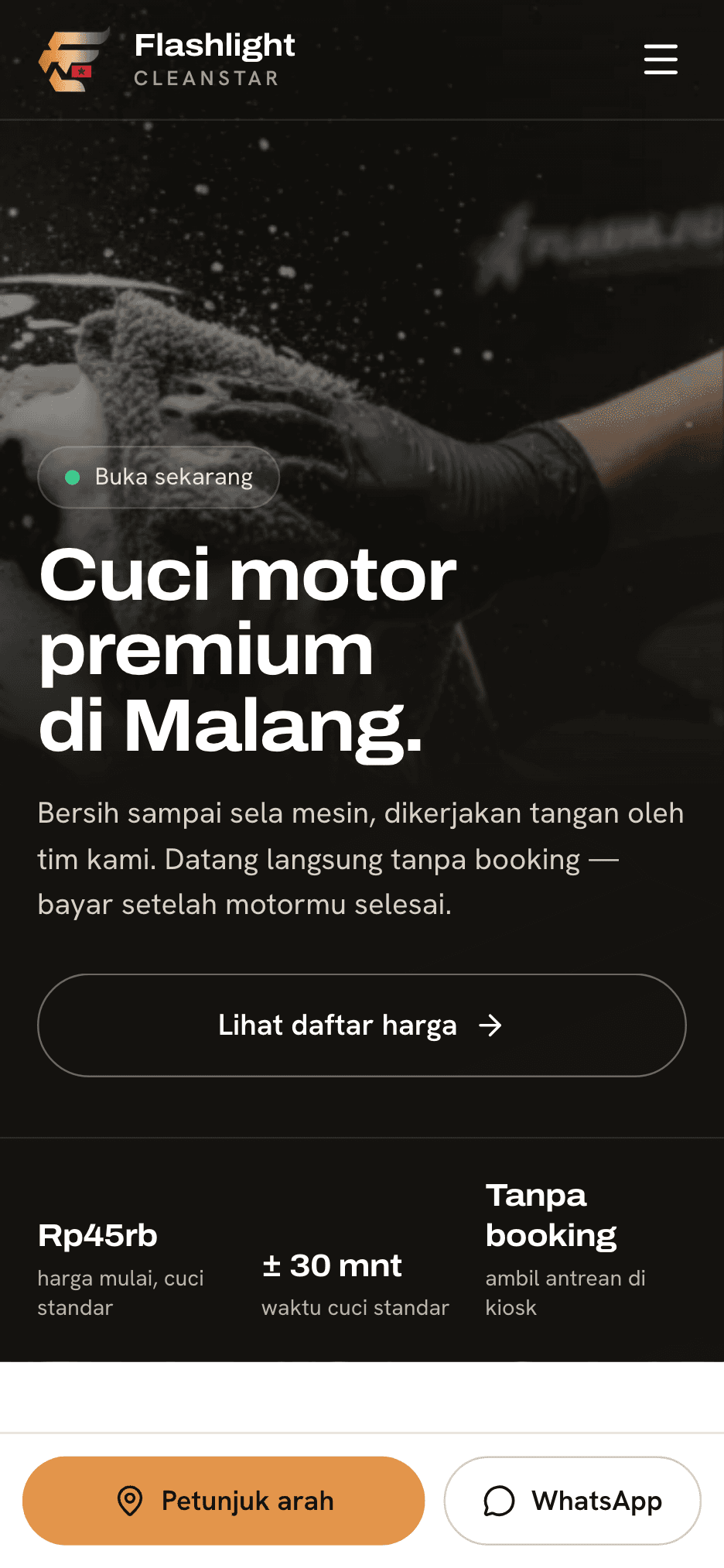
Landing page home + Landing page on mobile
The public site answers a prospective customer's first questions — open or not, which branch, how much — and on phones the directions and WhatsApp buttons stay pinned to the bottom of the screen.
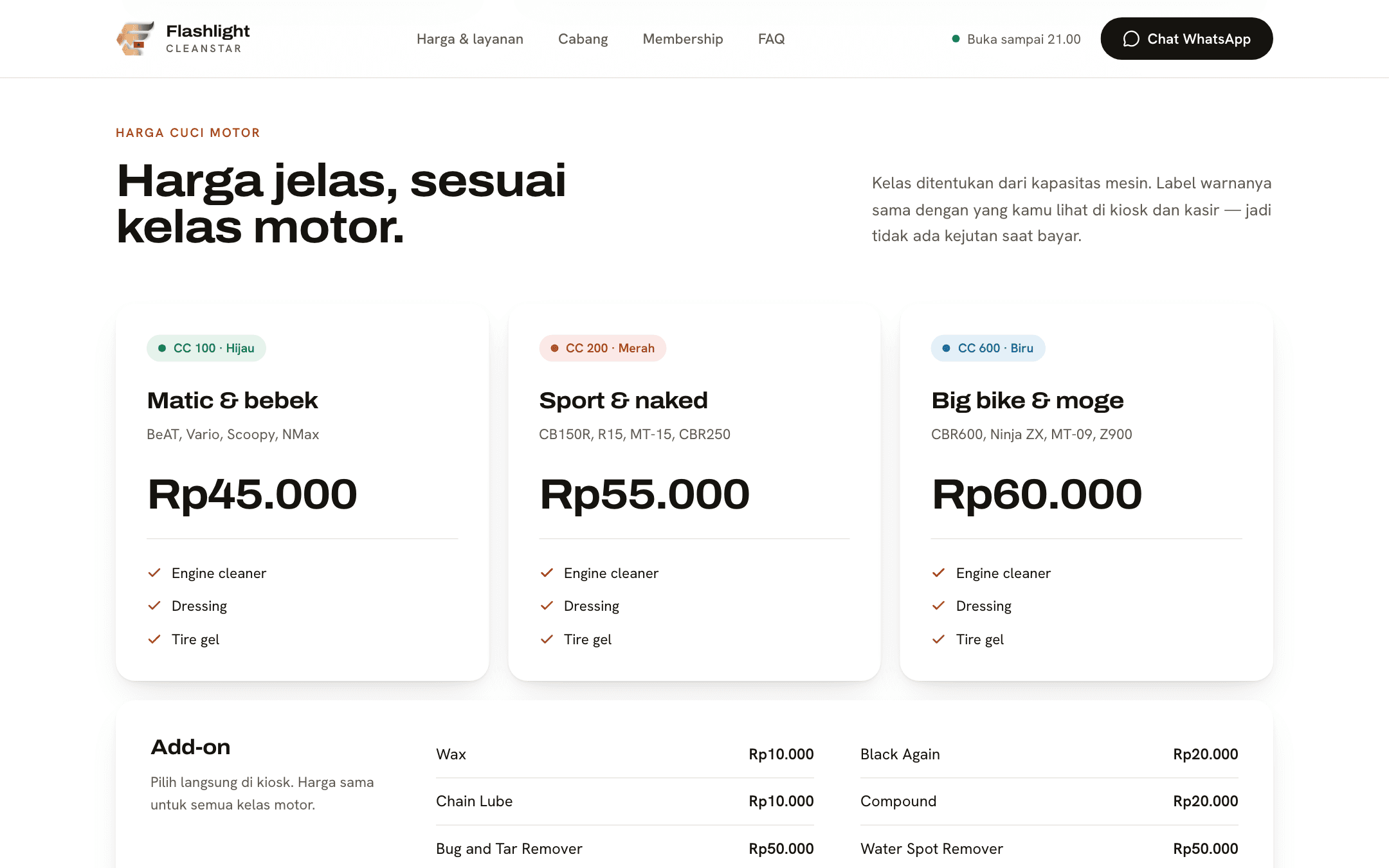
Landing page
Prices by engine class
Prices on the site are read from the same server catalogue as the kiosk and POS, engine-class colour labels included. The figure a customer sees at home is the one shown on the waiting-room kiosk.
Tablet app
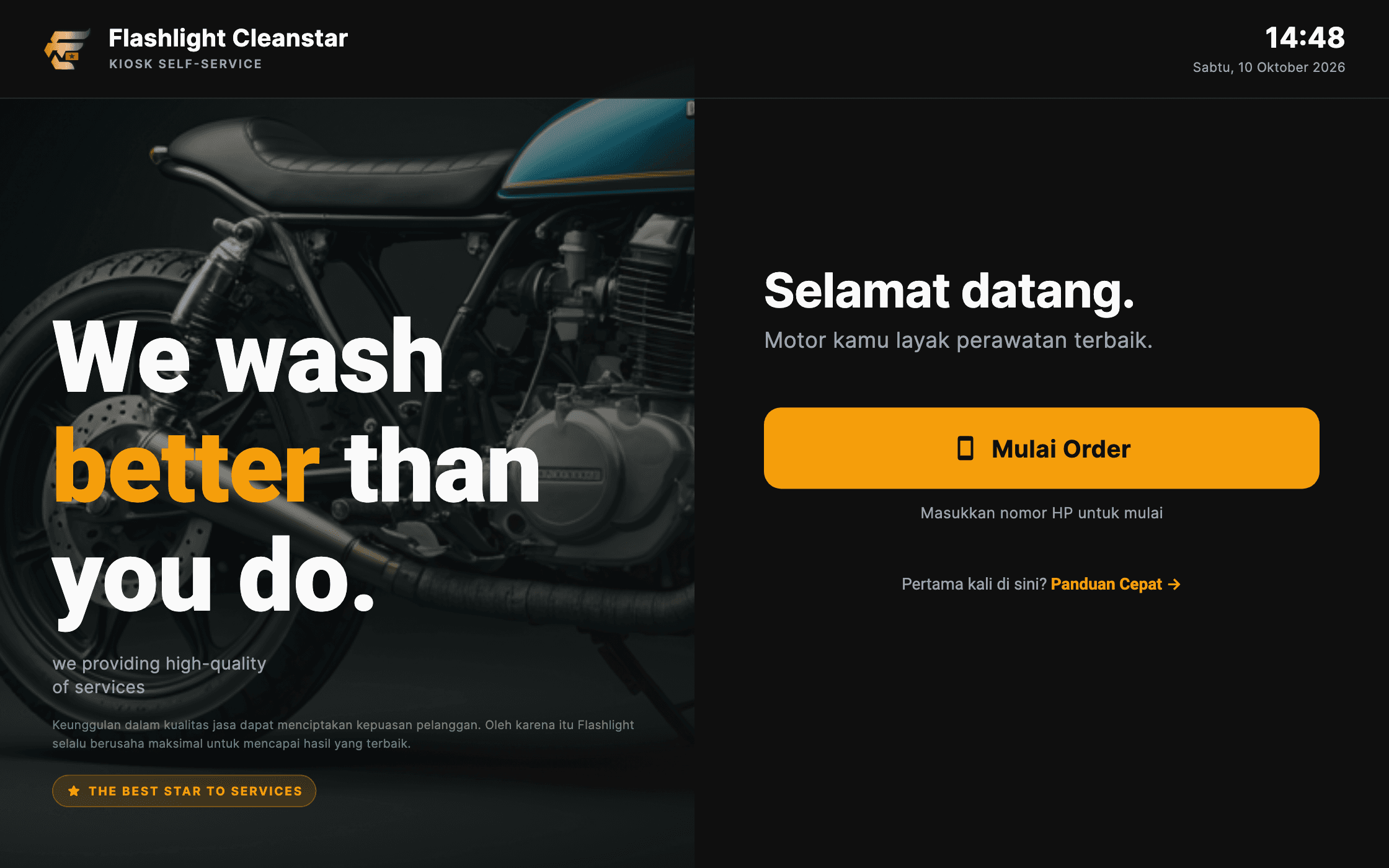
Kiosk welcome screen
The kiosk stands in the waiting room with no staff account. Customers start an order themselves with just a phone number, and the tablet walks them through the rest.
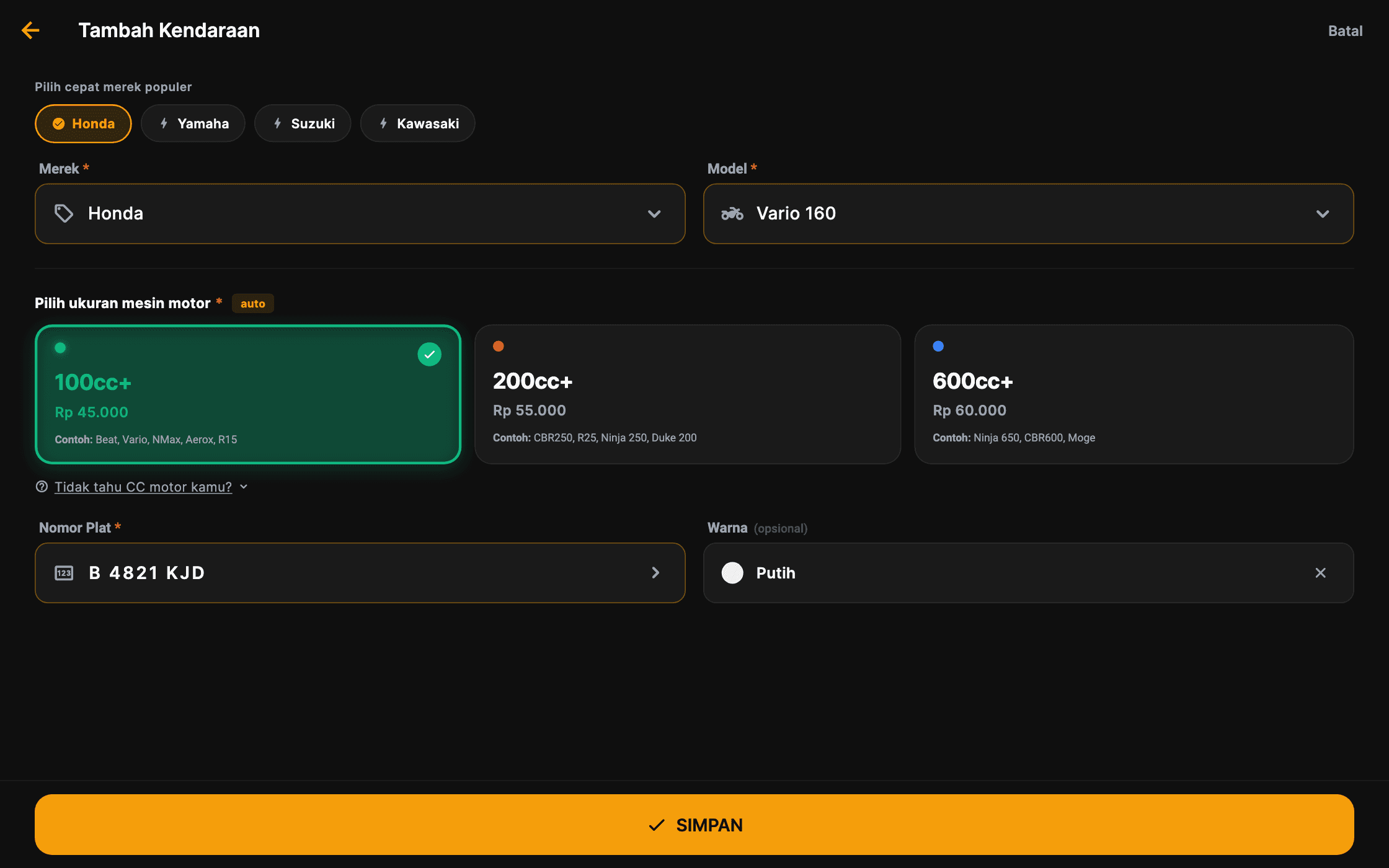
Tablet app
Vehicle & engine class
The engine class (a grouping of motorcycles by engine size) is picked automatically from the motorcycle model, and each class's base price is read from the server catalogue. The tablet only displays prices — it never sets them.
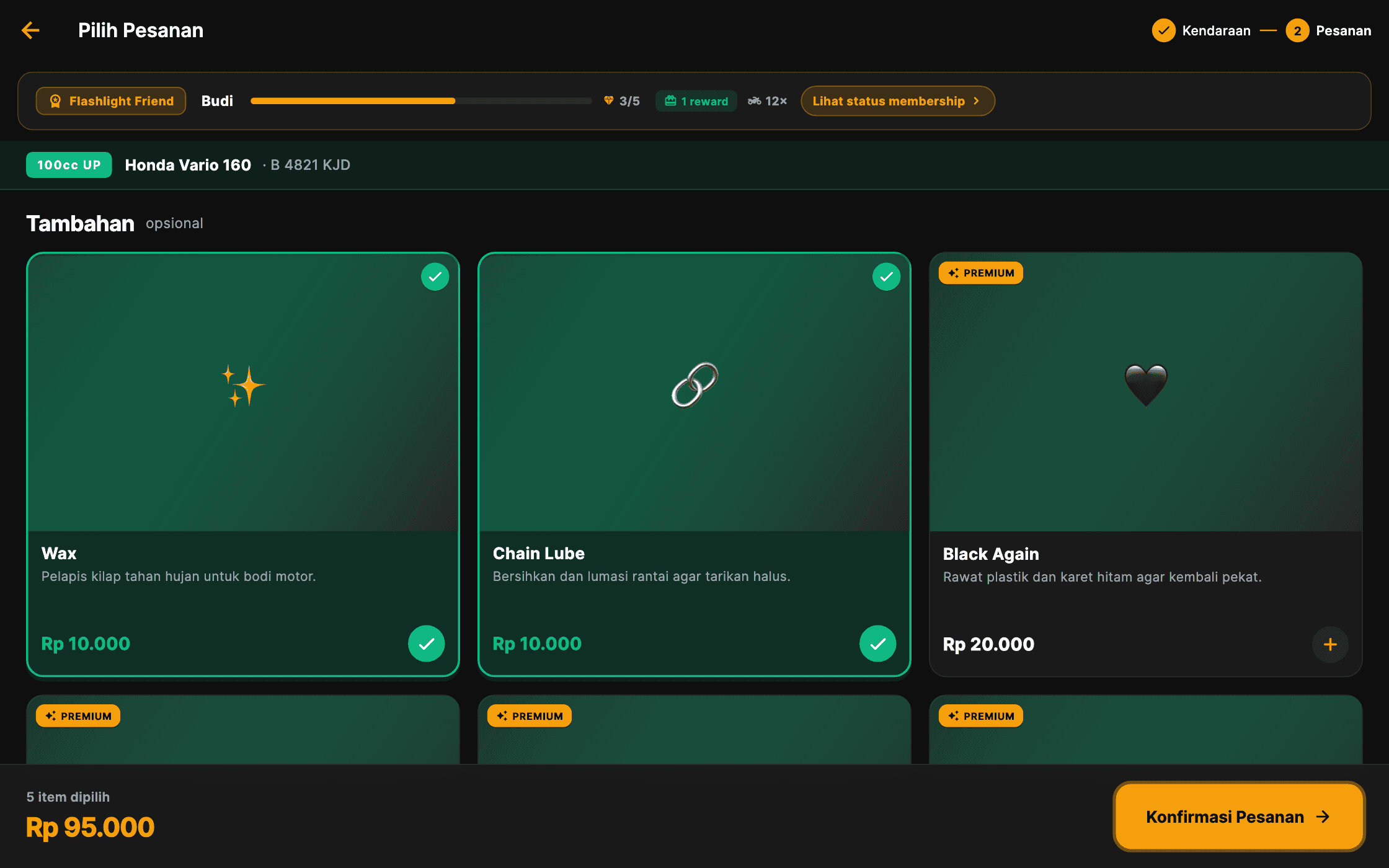
Tablet app
Service catalogue
Add-on services and their prices come from the server. When the order is sent, the tablet names only the customer, the vehicle, and the services chosen — no price field that could be altered from the waiting room.
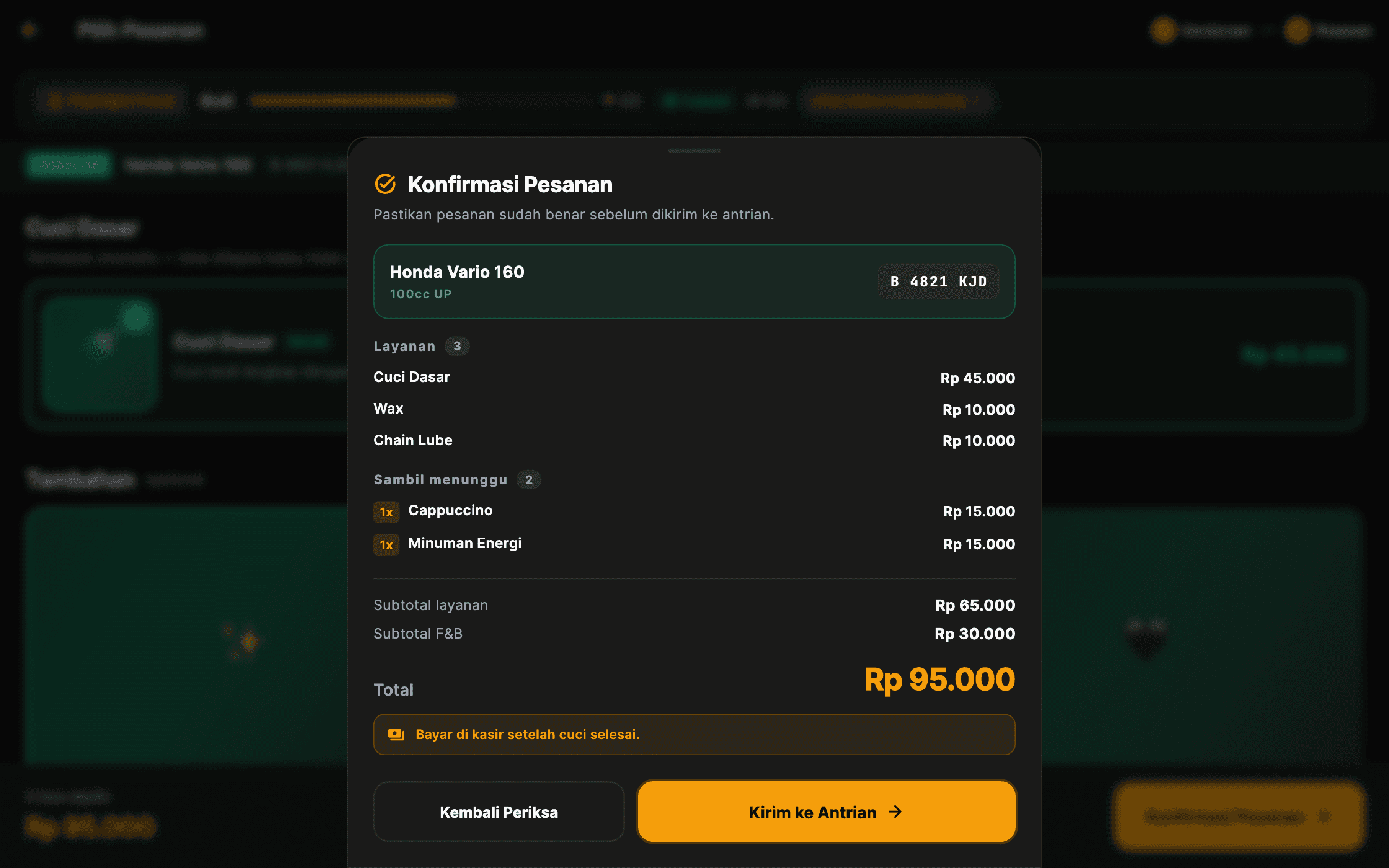
Tablet app
Order confirmation
Before joining the queue, customers check the itemised services, drinks, and total themselves. Payment still happens at the till once the wash is done — the kiosk takes no money.
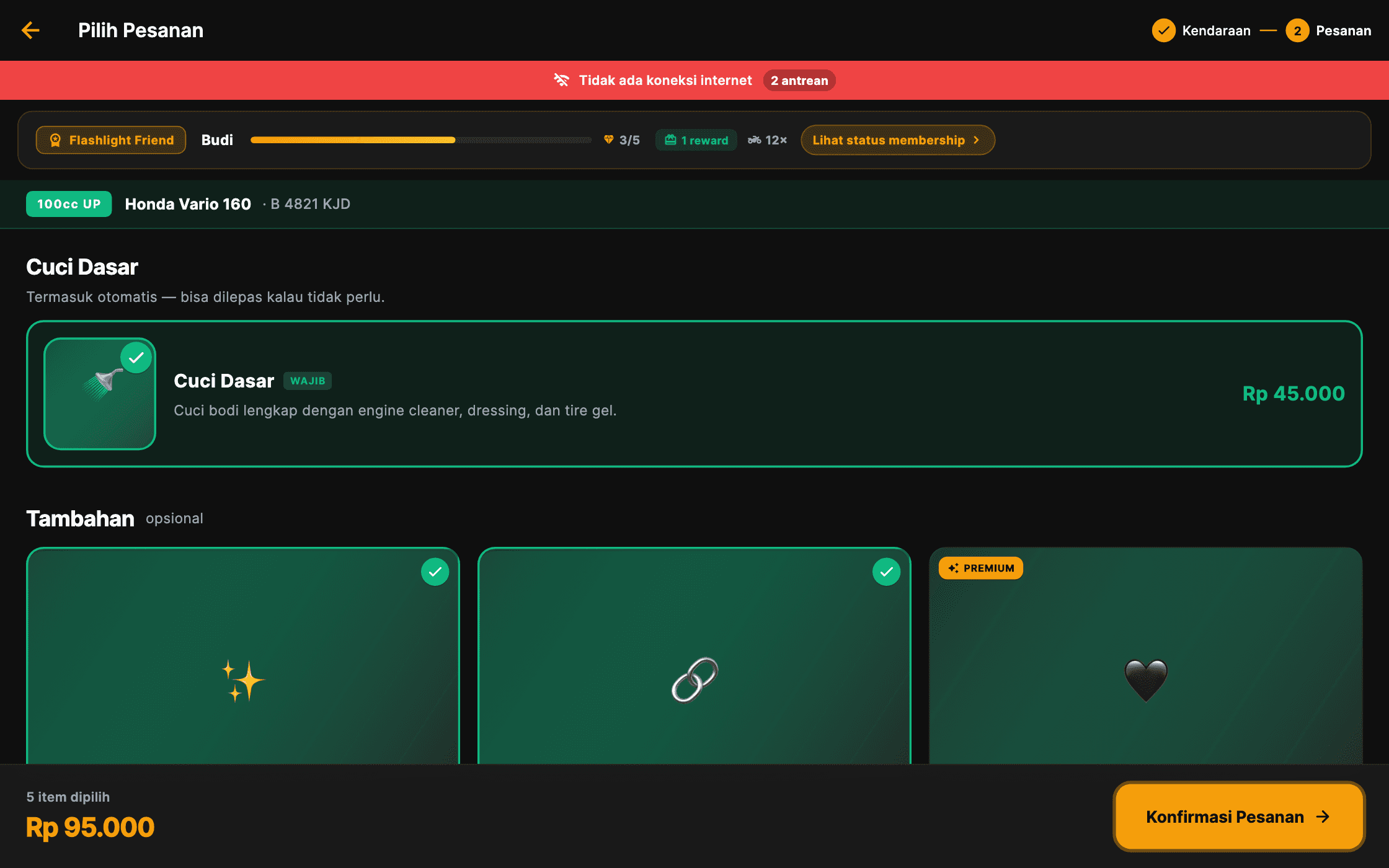
Tablet app
Kiosk while offline
When the internet drops, the catalogue stays usable because it is stored on the tablet, and a red strip shows how many orders are still held on the device waiting to be resent.
Office web app
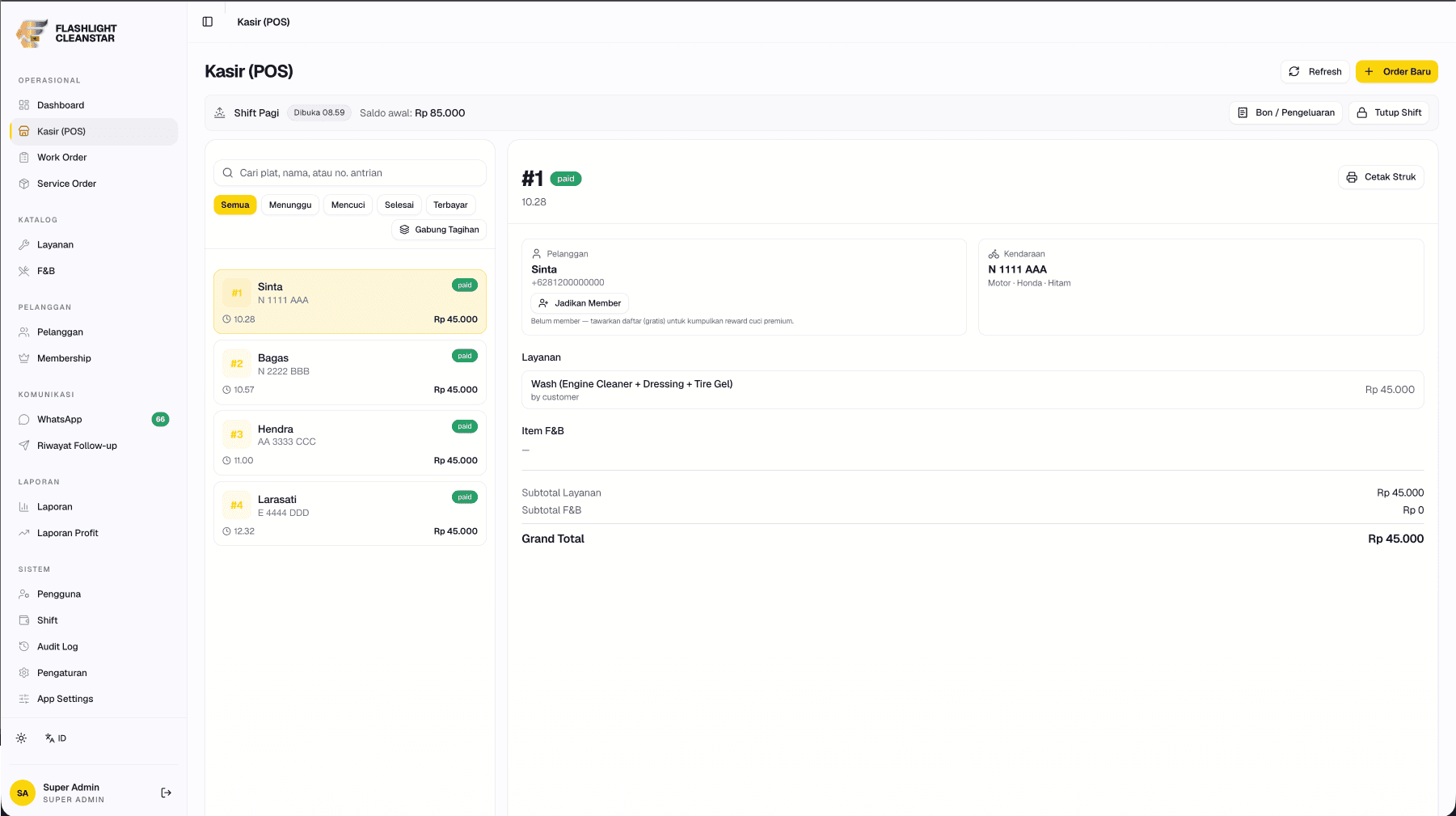
POS & queue
The numbered queue, the shift in progress, and the cashier's opening float appear on one screen. Queue numbers are issued by the database rather than the application — so the kiosk and the POS cannot hand out the same number when both save an order in the same second.
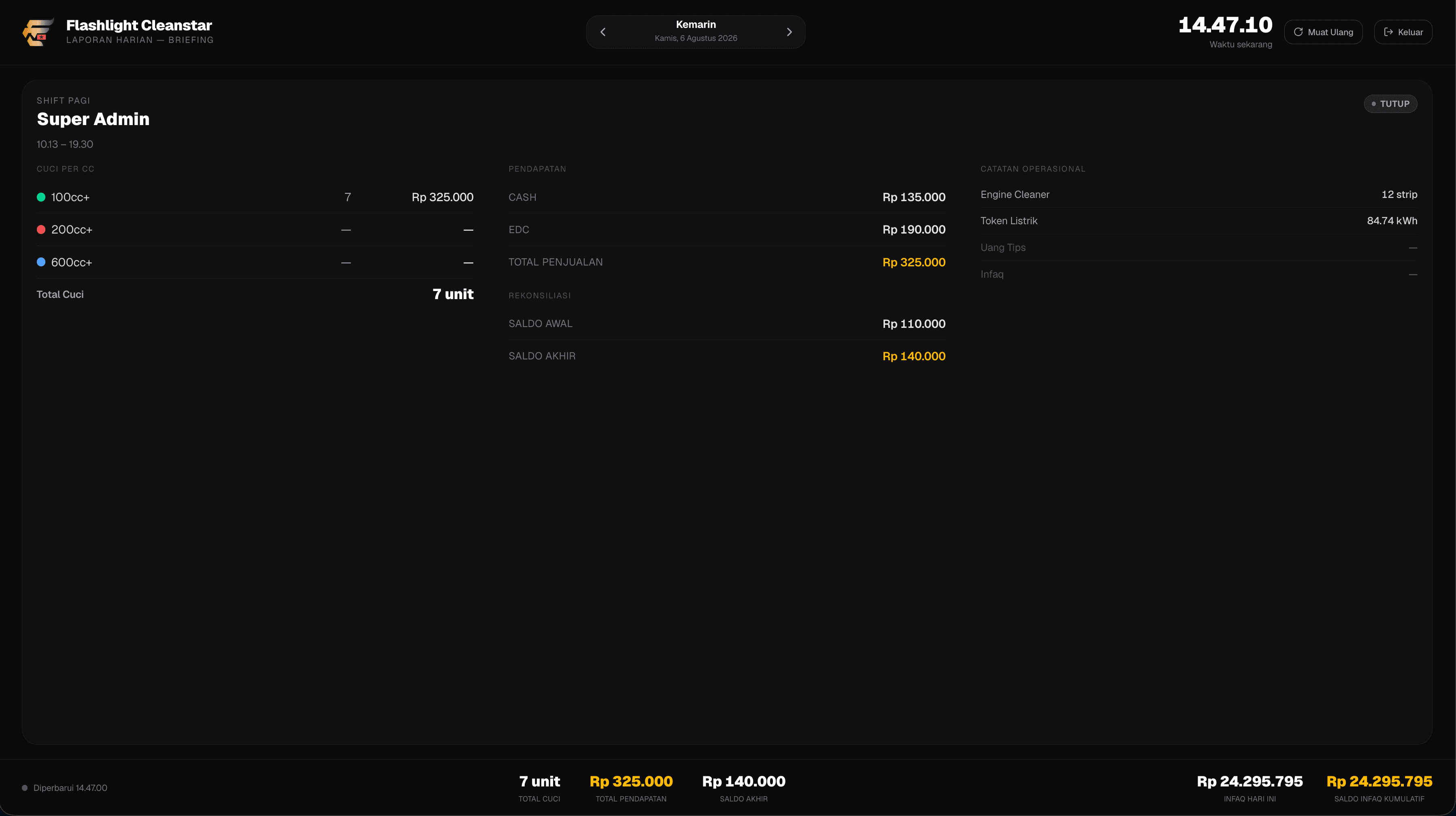
Office web app
Shift recap
One shift, summarised: wash count by category, cash and card takings, then opening and closing float side by side. A cash difference can be traced to a shift and a person, rather than surfacing as one number that fails to reconcile at closing.
Outcomes we observed
The whole shop flow now has a digital form: customers register themselves at the tablet, join a numbered queue, see their number on the waiting-room TV, are processed at the POS, pay, and get a printed receipt.
Drop-offs that take several days have their own ticket number, an estimated ready date, and a tracking link the customer can open at any time.
The closing process now records opening float, cash and card sales, expenses, a physical count by denomination, and any difference with a written reason.
Reports provide profit information alongside revenue, while the server does not send cost prices to cashiers or ordinary administrators.
An honest note: business impact has not been measured, and this system still lacks adequate automated testing of its screens. That is open work, not something we are hiding.
Other projects
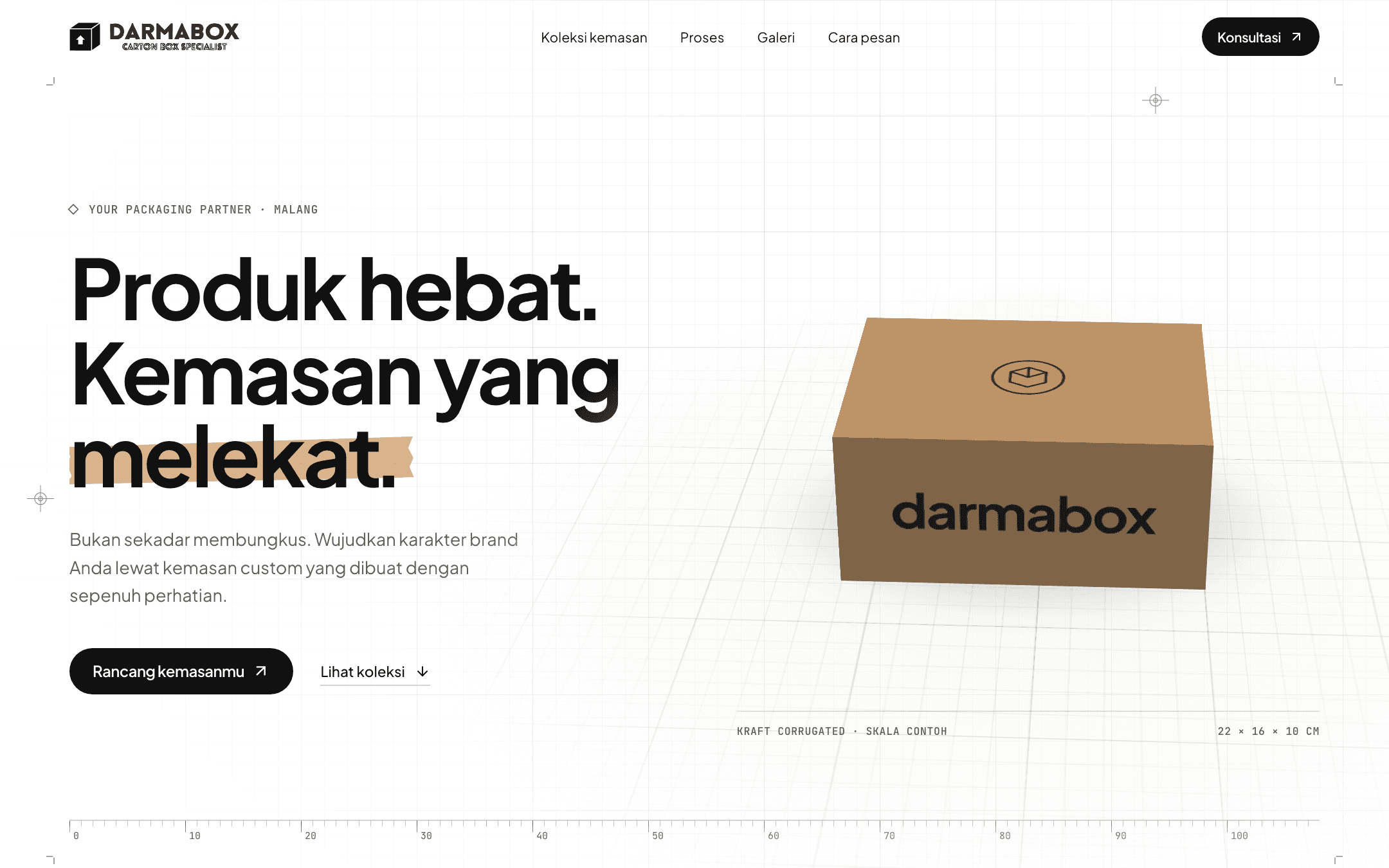
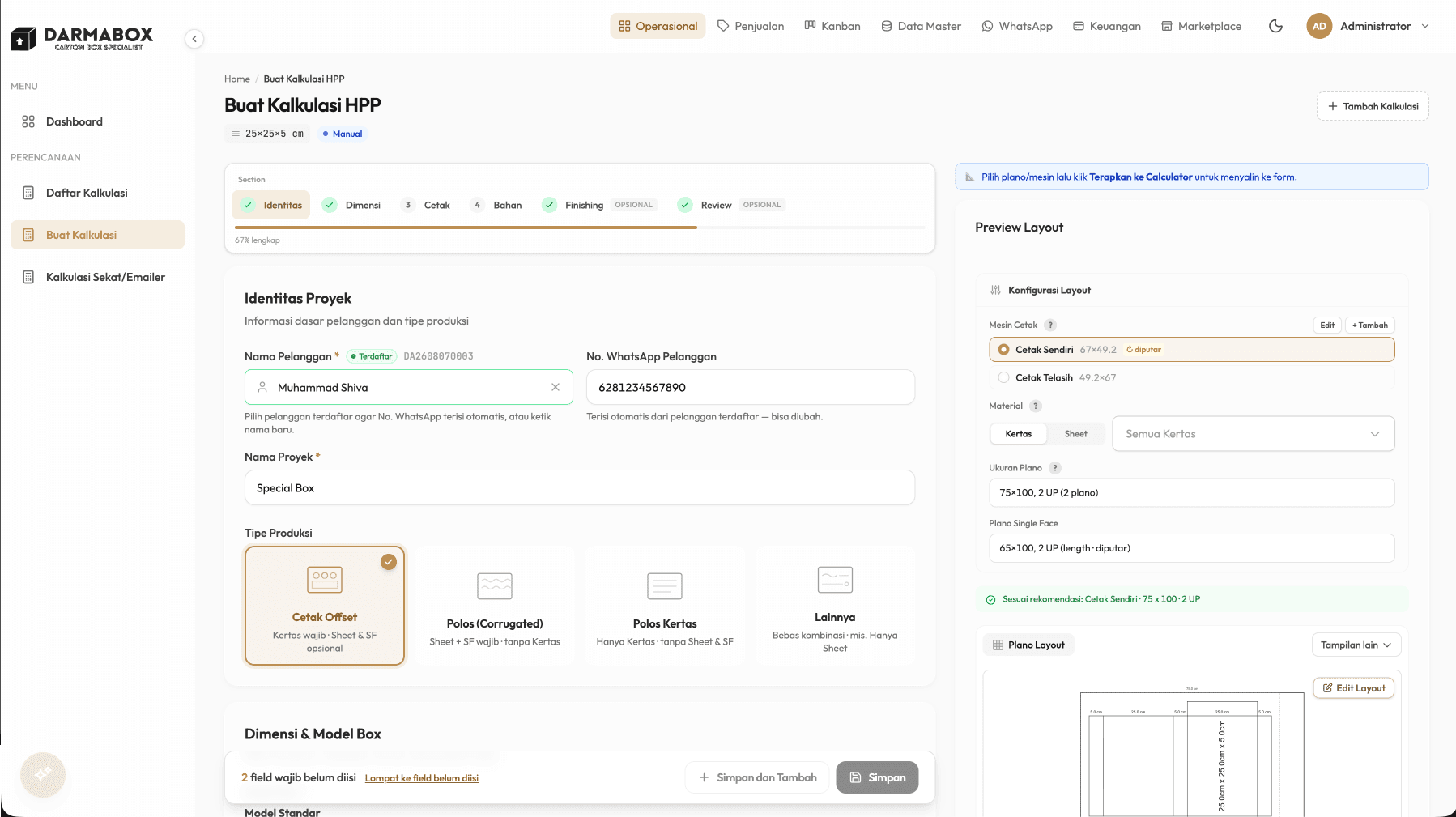
Darmabox
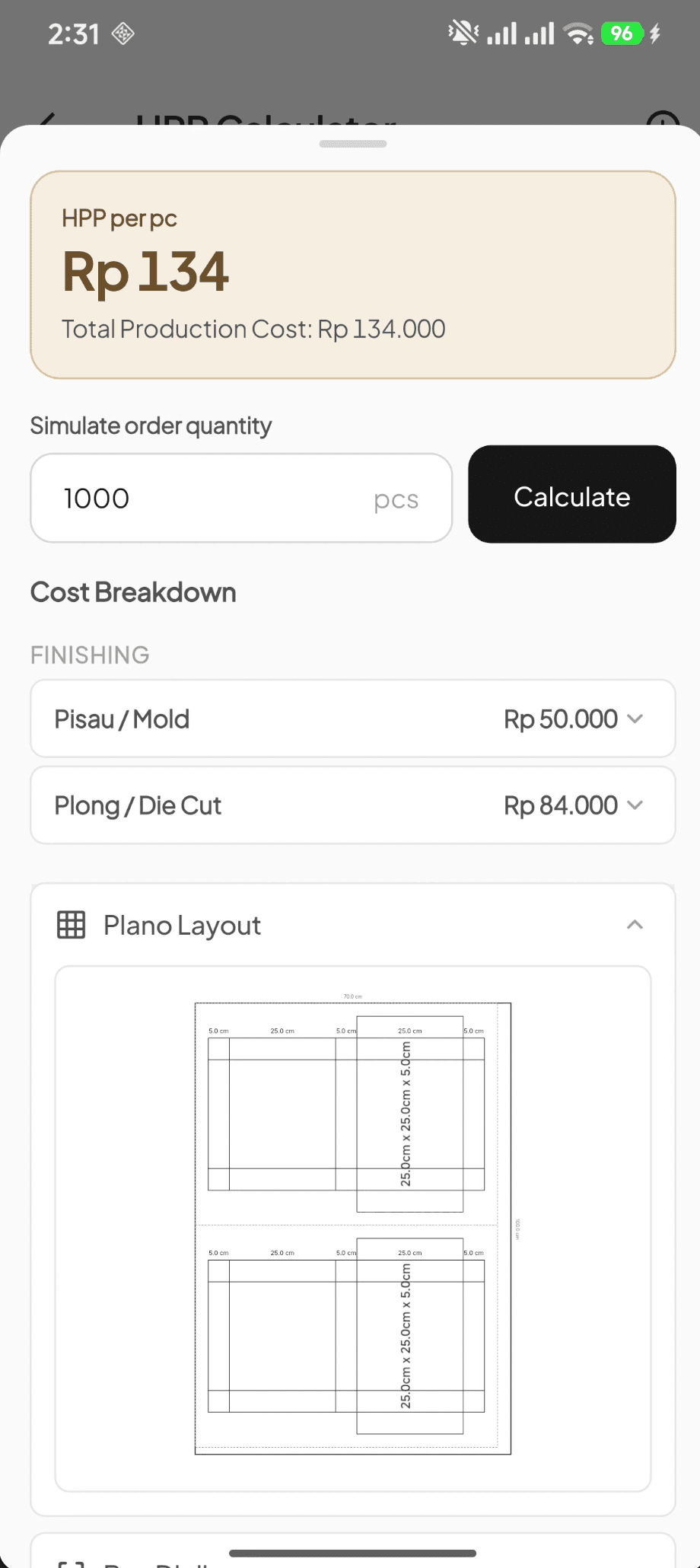
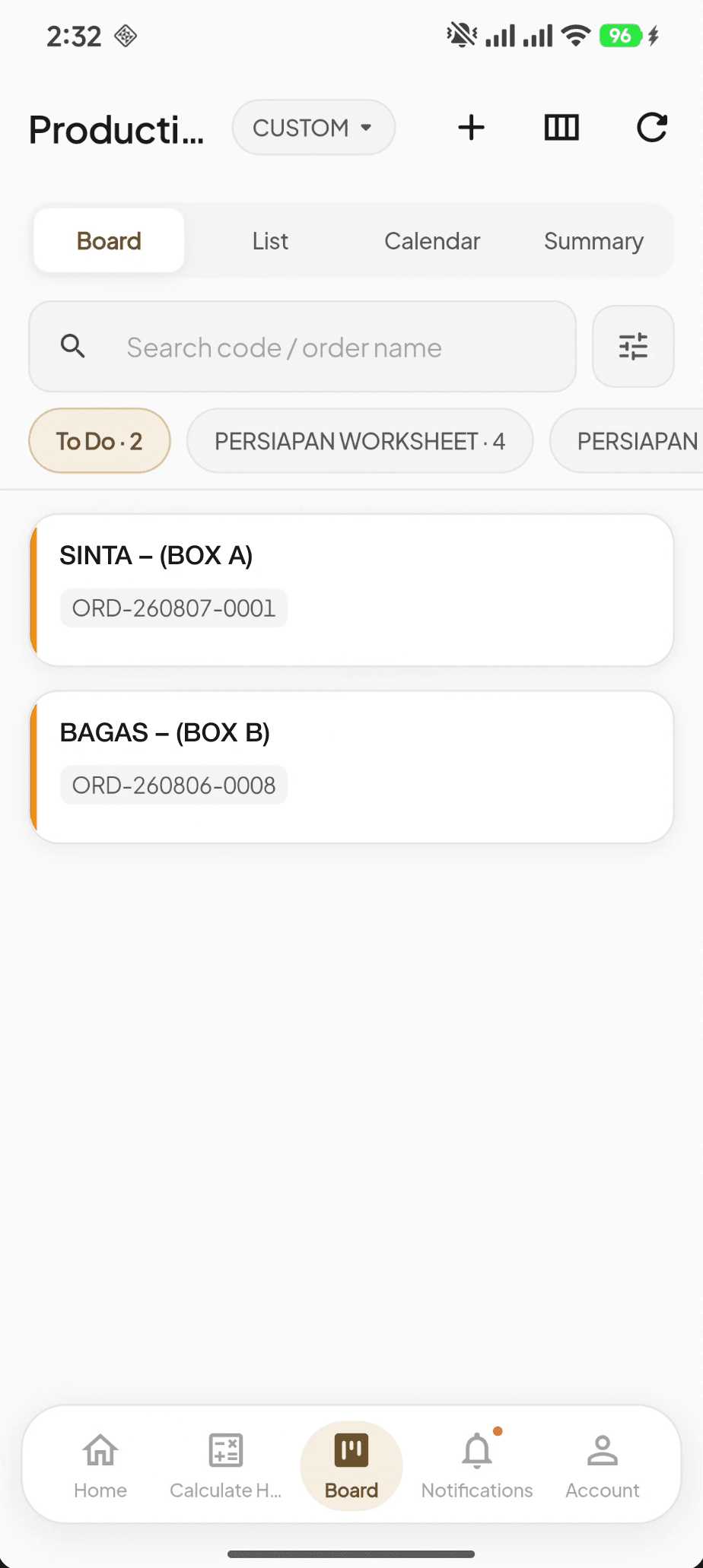
2026Consolidating work that used to live across several disconnected apps into one system — from costing a custom box to accounting entries that are created automatically.
Bersama Jaya Cup
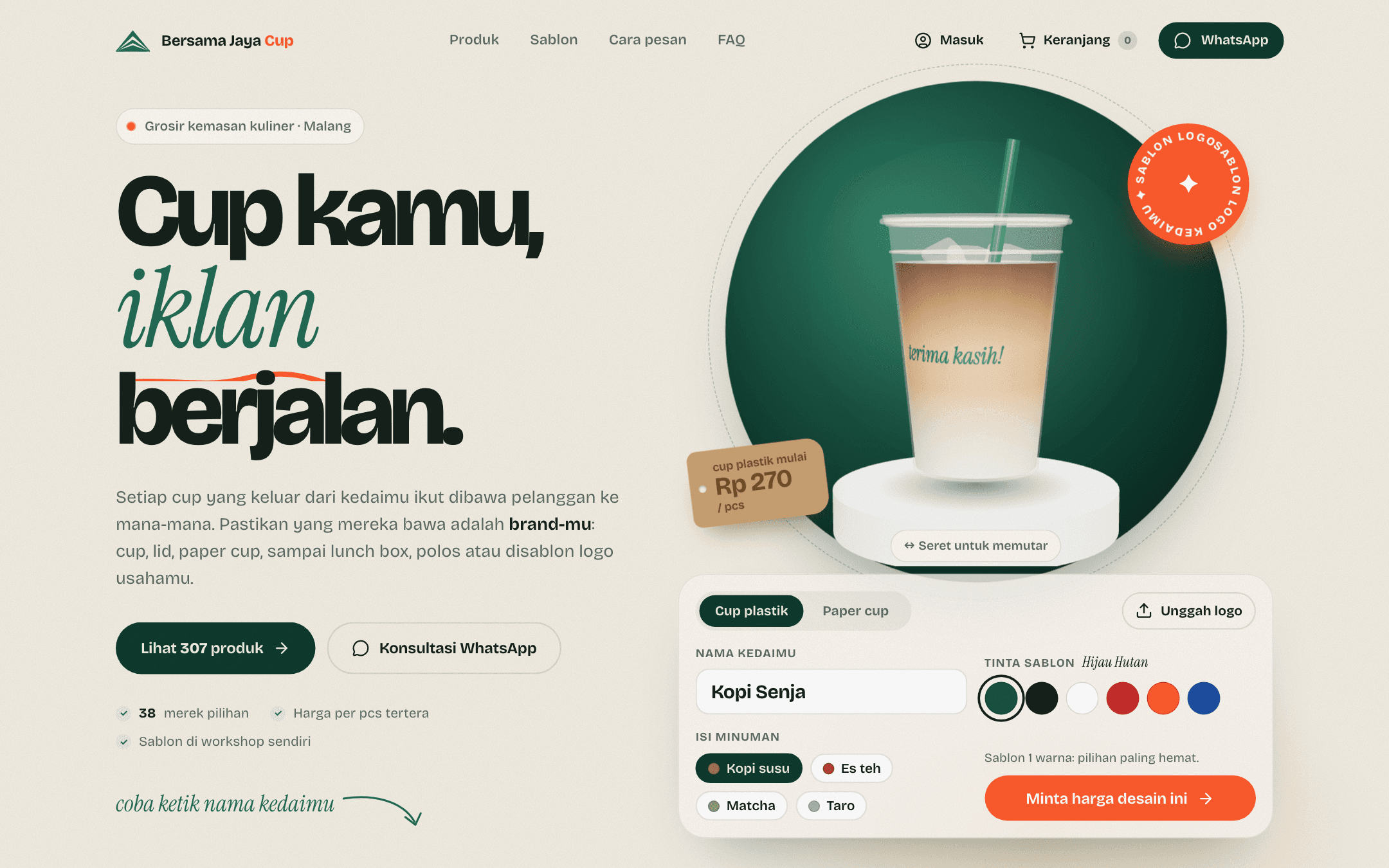
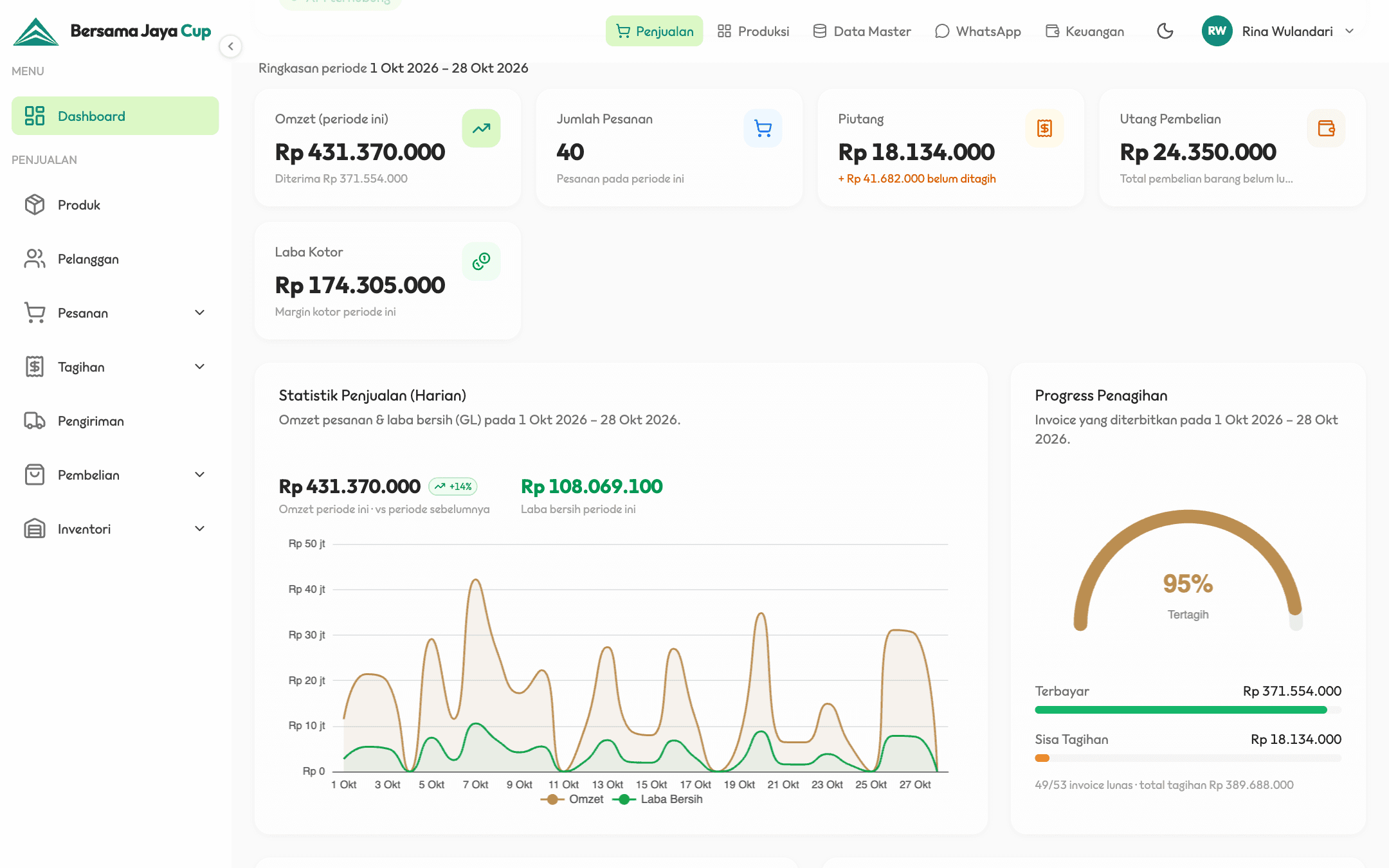
2026Bringing a packaging printing company's records into one system while keeping habits the team already uses, such as dot-matrix invoices and the way operators write print colours.
Get in touch / →
Working through a similar need?
Tell us about the situation. Together, we can map the need, possible approaches, and an initial scope.
We usually reply within one business day.